

How to Install Kaiju Breach on Android
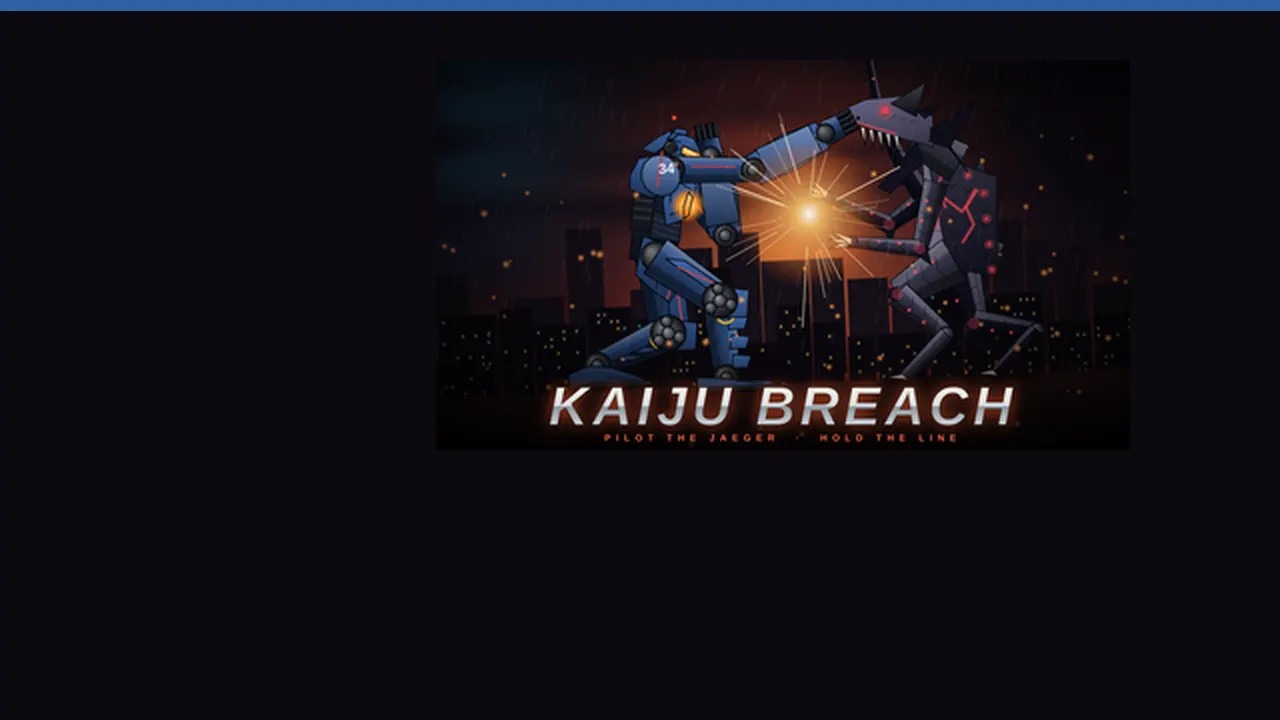
Installing an APK from outside a store follows the same steps on every Android phone, and this guide writes them for this game specifically, rather than copying a generic template. The steps assume a file obtained from the developer listing, because that is the only verified source.
The current position matters more than the steps: no file is linked on this site yet. Read the steps now, so the install is understood, and use them only when a file is attached here and checked against the listing. Kaiju Breach APK for Android
On this page
The Install Steps
- Get the file only from the developer listing, when it is attached here, and check the file name against the listing.
- Open the downloaded file from the browser or the file manager.
- When Android asks, allow installs from the browser used for the download, then confirm.
- Read the permissions Android shows before confirming, and stop if anything looks unrelated to a game.
- Open Kaiju Breach, wait for it to load fully, and test movement in the first level.
If Android Blocks the Install
The usual causes are the allow-from-browser permission not yet granted, too little storage, or a file that did not finish downloading. Check those three in order, and try the download once more from the listing. If the file name does not match the listing, do not install it: delete it and start again from the listing. safety checks
Frequently Asked Questions
Do I need to root my phone?
No. Installing an APK from a browser needs no root access, and nothing on the listing suggests otherwise.
Is sideloading safe?
It is safe when the file comes from the developer listing and the permissions are checked. It is not safe for files from unverified sources, and this site recommends none of those.
What Android level is needed?
Not stated on the listing and not verified from the file, so no minimum level is printed here.